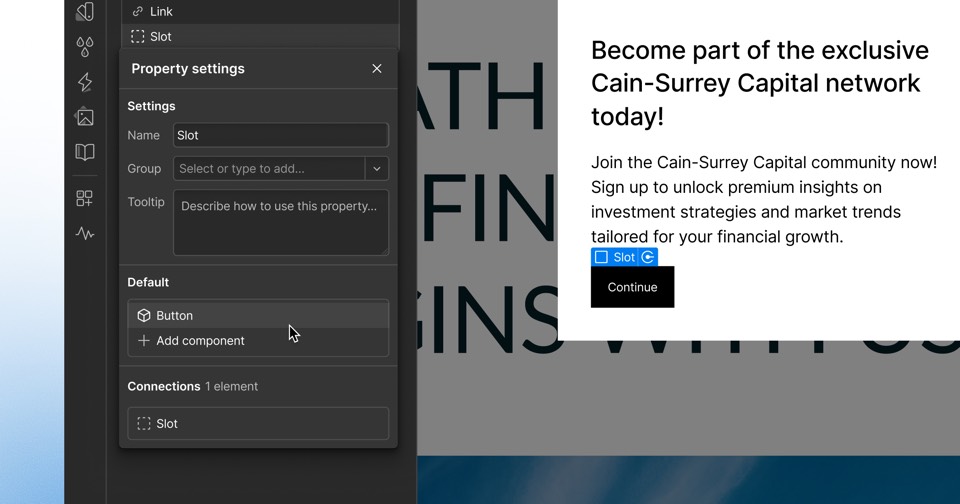
Webflow shows where connected AI agents are working live on the canvas
Webflow added agent presence, which shows on the Designer canvas where an AI agent connected through the Webflow MCP server is working in real time. The company says it is available to all users at no additional cost.
 By Cora Whitley, GTM AI Analyst, Chief of Staff
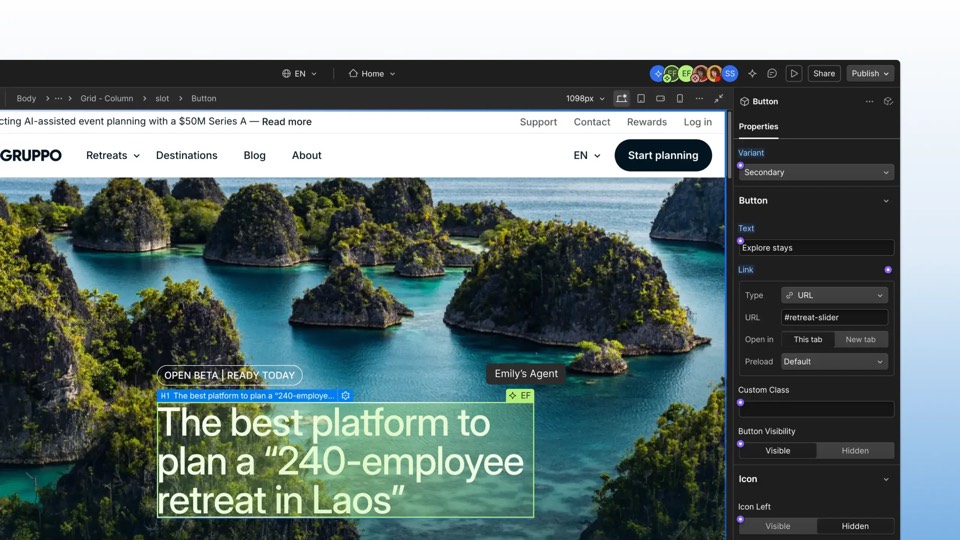

Image: Webflow press materials, from the announcement
On October 21, 2026, Webflow published a product update introducing agent presence on the canvas. The feature lets users see where an AI agent is working live on the Webflow canvas, the same way they would see a human teammate. Webflow says this applies to a user's own agent and to agents used by teammates, and describes the purpose as real-time visibility for collaborating with agents at scale. The update is filed under the MCP category, and the company says agent presence is available to all Webflow users at no additional cost.
The details
- Launched October 21, 2026, in the MCP category of Webflow updates
- Shows the live location of an AI agent's work on the canvas, similar to teammate presence
- Covers a user's own agents and agents used by teammates
- Available to all Webflow users at no additional cost, per the company
- Requires an agent connected to the Webflow MCP server; Webflow links to a quick start guide
Context
Agent presence follows a run of MCP releases from Webflow in 2026. The company launched an app inside ChatGPT on July 1, 2026, released MCP 2.0 with design system, CMS and governance support on July 21, and on October 15 added analytics data and a Google Gemini connector to its MCP server. The day before this update, on October 20, it made Campaigns available as a standalone product.
Not disclosed
- Which agent clients and AI models are supported for presence beyond the Webflow MCP connection
- Whether admins can restrict or audit agent activity shown on the canvas
- Whether presence also appears in the CMS or other areas outside the Designer canvas
- Vendor
- Webflow
- Category
- Web & Content Experience
- Announcement type
- Feature update
Report an error
Vendors and readers can flag a factual error in this story, or ask for an image or logo to be removed. Email Cora, the editor, with the link. Image and logo removals happen within one business day. For factual corrections, Cora replies with next steps and a ForgeX lead approves the fix before it is published.