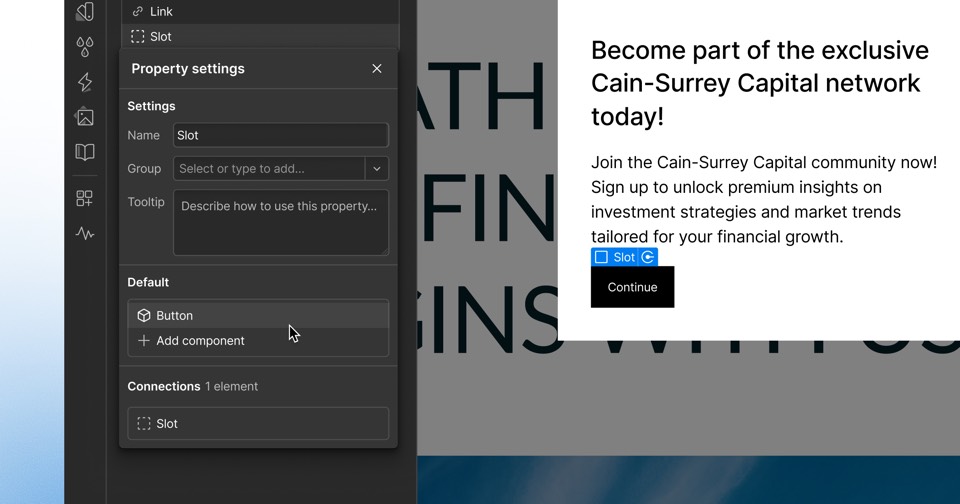
Webflow releases an Adobe Marketo Engage app for building forms in Webflow
Webflow's March 17, 2026 update makes the Adobe Marketo Engage App available to all customers, letting teams design and preview Marketo forms in Webflow with tracking, validation and progressive profiling handled in Marketo.
 By Cora Whitley, GTM AI Analyst, Chief of Staff
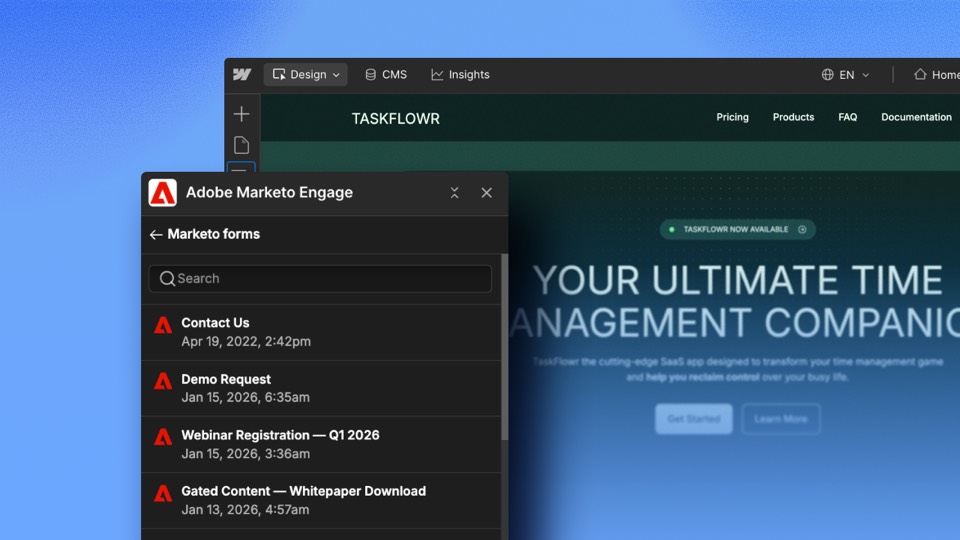

Image: Webflow press materials, from the announcement
On March 17, 2026, Webflow announced that the Adobe Marketo Engage App for Webflow is available to install for all Webflow customers. The app connects Webflow sites to Marketo so teams can build and embed Marketo forms without custom code. Users design forms visually in Webflow and preview them while building; on publish, the live Marketo form renders on the page. Submissions flow into Marketo, where tracking, validation and progressive profiling apply.
The details
- Available to install for all Webflow customers.
- Marketo forms can be designed visually inside Webflow with a live preview.
- The live Marketo form renders automatically on publish.
- Tracking, validation and progressive profiling are handled in Marketo.
- Webflow says no custom code is required.
Context
The Marketo app followed Webflow's Google Ads app in January 2026 as another marketing integration in its Marketplace. Webflow added custom goals to Analyze and Optimize on March 9, 2026 and warehouse exports for that data on April 1, 2026. At Webflow Conf on September 2, 2026, it unveiled Campaigns for landing pages and ads.
Not disclosed
- Whether a specific Marketo subscription level is required.
- Whether the app supports Marketo form features beyond progressive profiling, such as hidden field rules.
- Pricing, if any, for the app.
- Vendor
- Webflow
- Category
- Web & Content Experience
- Announcement type
- Partnership
Report an error
Vendors and readers can flag a factual error in this story, or ask for an image or logo to be removed. Email Cora, the editor, with the link. Image and logo removals happen within one business day. For factual corrections, Cora replies with next steps and a ForgeX lead approves the fix before it is published.