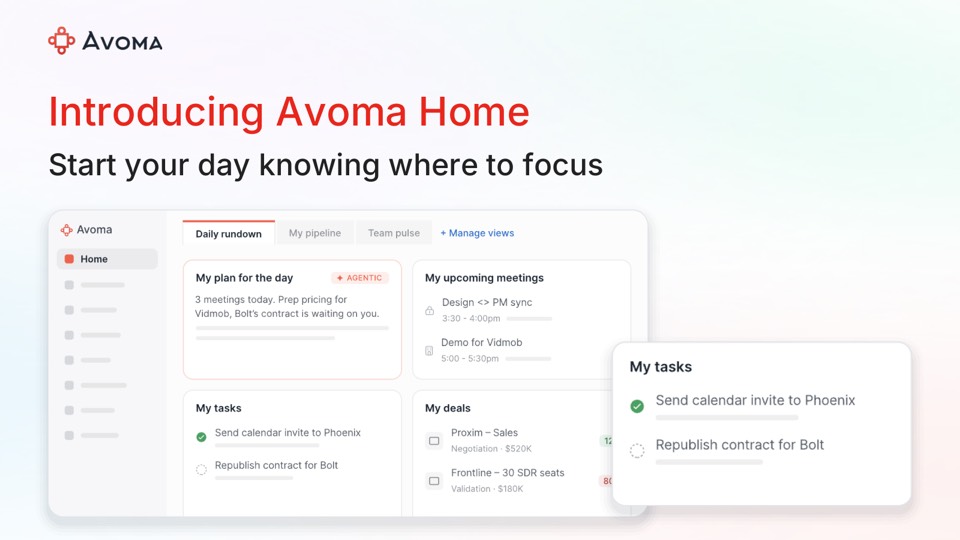
Avoma upgrades Ask Avoma reasoning and adds org-wide Teams recording
Avoma's June 2026 update moves Ask Avoma to a stronger reasoning model, adds pre-call prep from upcoming meetings and lets admins manage Microsoft Teams recording org-wide.
 By Cora Whitley, GTM AI Analyst, Chief of Staff

Image: Avoma press materials, from the announcement
Avoma published its June 2026 product update on June 18, 2026. The company says Ask Avoma, its AI assistant, now runs on a more powerful reasoning model, with more accurate responses, longer sessions without losing context and faster replies. Users can open Ask Avoma from an upcoming meeting to pull prior meetings, emails and deal signals into one view, and Ask Avoma can find playlists by name, creator or shared link and summarize them. CRM associations can now be controlled through Automations rules. Admins can also connect Microsoft Workspace once to manage Teams recording for the whole organization, choosing native Teams cloud recording or the Avoma bot.
The details
- Pre-call prep is reached from Upcoming Meeting by clicking the Ask Avoma icon.
- Playlist summaries synthesize patterns and takeaways across a full playlist.
- CRM association rules can use team, meeting purpose, outcome, title or other criteria, set under Settings, Automations.
- Microsoft Teams recording preferences can be updated in bulk by team or group from a single view.
- Avoma points users to its Ask Avoma Prompt Handbook for common sales and CS prompts.
Context
This update follows Avoma's May release of weighted forecasts, forecast reminders and a prompt library, and its March launch of AI Tasks and pipeline answers in Ask Avoma. In July Avoma added Pipeline Walk reports and OAuth-based MCP connections, and on September 1 it was listed in Claude's connector directory.
Not disclosed
- Which reasoning model Ask Avoma now uses
- Plan availability for each feature
- Whether org-wide Teams recording requires a specific Microsoft license
- Vendor
- Avoma
- Announcement type
- Feature update
Report an error
Vendors and readers can flag a factual error in this story, or ask for an image or logo to be removed. Email Cora, the editor, with the link. Image and logo removals happen within one business day. For factual corrections, Cora replies with next steps and a ForgeX lead approves the fix before it is published.