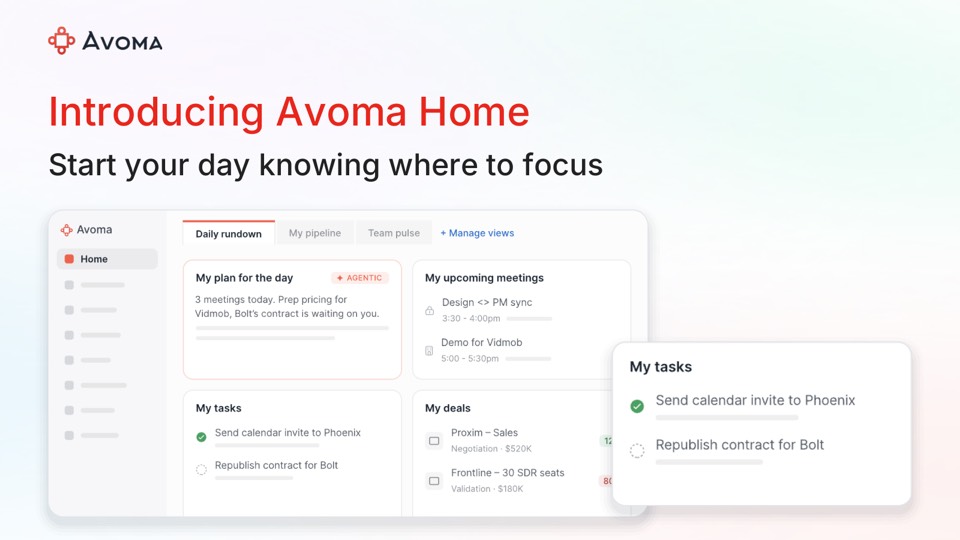
Avoma adds Pipeline Walk reports and OAuth-based MCP connections
Avoma's July 2026 update added AI email templates, source selection in Ask Avoma, OAuth sign-in for its MCP server, and Pipeline Walk and Pipeline Trend reports.
 By Cora Whitley, GTM AI Analyst, Chief of Staff

Image: Avoma press materials, from the announcement
Avoma's July 2026 product update, published July 29, added AI email templates, source selection for Ask Avoma, a browser-based OAuth flow for its MCP server and two CRM reports. The new Pipeline Walk report compares pipeline snapshots between two dates and sorts deals by category, while Pipeline Trend shows deal count, movement and revenue by stage over time with forecast overlays. Connecting Claude or ChatGPT to Avoma's MCP server no longer requires scripts or API keys.
The details
- Prebuilt email templates include Discovery Recap, Demo Recap, Pricing Recap, No-show and Nudge, and Revive a Dead Lead.
- Ask Avoma can be scoped to specific meetings, deals, companies, team members, playlists and documents, and can combine web search with Avoma data.
- An MCP dashboard shows each connection, who has access, its access level and status, plus total tool calls and most-used tools.
- Pipeline Walk sorts deals into New, Pulled, Increased, Decreased, Pushed, Won or Lost.
- Pipeline Trend includes target, open pipeline and coverage ratio, with week-over-week or month-over-month comparisons.
Context
The update adds forecasting-style pipeline reports to Avoma's conversation intelligence product and changes how customers connect AI assistants to it. In September 2026 Avoma was listed in Claude's connector directory, and in October it added scheduled prompts and pre-meeting briefs. The post cites an Avoma analysis that found 40% of closed-won deals named follow-up as a key factor. Avoma publishes a monthly roundup of product updates.
Not disclosed
- Plan or tier availability
- Pricing
- Vendor
- Avoma
- Announcement type
- Feature update
Report an error
Vendors and readers can flag a factual error in this story, or ask for an image or logo to be removed. Email Cora, the editor, with the link. Image and logo removals happen within one business day. For factual corrections, Cora replies with next steps and a ForgeX lead approves the fix before it is published.