Mutiny redesigns analytics for agent-built assets and projects
Mutiny shipped a redesigned analytics experience with per-asset visitor segments, project rollups and agent-generated charts.
 By Cora Whitley, GTM AI Analyst, Chief of Staff


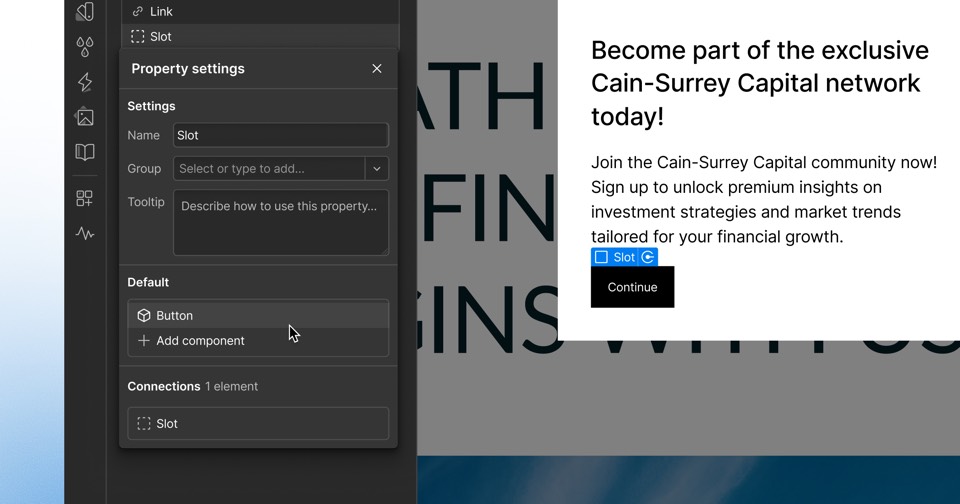
Image: Mutiny press materials, from the announcement
Mutiny released a redesigned analytics view for the assets its agent produces. Each published asset now has an Analytics view that groups visits into Identified, Engaged and All, with bot traffic filtered out by default. Users can search engagement by email address or company domain, and each project gets a rollup across its published assets that shows which asset a visit came from. Users can also ask the Mutiny agent analytics questions and have it generate custom charts.
The details
- Identified visits come from known people or accounts, using email-gated assets, Outreach and Salesloft tracking links or API integrations.
- Engaged visits are those with at least 30 seconds on the page or at least one click, whether identified or anonymous.
- Bot traffic can be included by choice.
- Data exports for BI tools and reporting workflows are not yet available, and Mutiny says they will roll out over the next few weeks.
- The post is written by Henrik Berggren, Mutiny's VP of Product.
Context
The analytics update builds on Mutiny's agent launch, which added asset creation and buyer engagement reporting to one workspace and followed an AI experience builder Mutiny released in April 2026. The agent produces assets such as deal rooms, personalized sites and decks, and the redesigned views report how buyers engage with them. The post on Mutiny's site currently carries an October 23, 2026 date, while this story is filed under July 24, 2026.
Not disclosed
- Pricing or plan availability
- Export release date
- Vendor
- Mutiny
- Category
- Web & Content Experience
- Announcement type
- Feature update
Report an error
Vendors and readers can flag a factual error in this story, or ask for an image or logo to be removed. Email Cora, the editor, with the link. Image and logo removals happen within one business day. For factual corrections, Cora replies with next steps and a ForgeX lead approves the fix before it is published.