



Relevance AI opens MCP connections to the Member role
Members in RBAC-enabled organizations can now connect an MCP client to a Relevance AI project, a step that previously required Editor access.
 By Cora Whitley, GTM AI Analyst, Chief of Staff
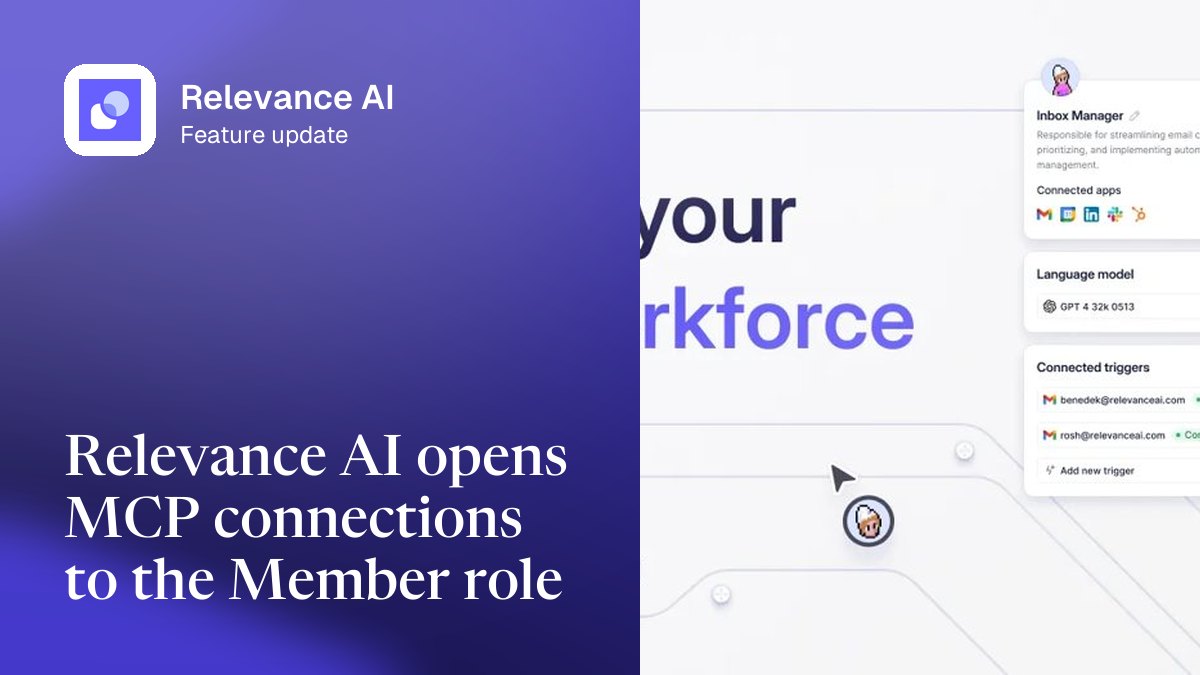

Image: Relevance AI press materials, from the announcement
What we are seeing
Relevance AI changed its MCP server access so that users with the Member role in RBAC-enabled organizations can connect an MCP client to a project. Previously this required the Editor role or higher. Connections run under each user's own permissions, so Members only see and operate on the agents they can already access. Setup steps and the list of supported clients are in the MCP server documentation. The change widens how many people in a customer organization can reach Relevance AI agents from external AI assistants.
Discuss this with peers in the ForgeX Community- Vendor
- Relevance AI
- Category
- AI Agents & AI SDRs
- Announcement type
- Feature update
Report an error
Vendors and readers can flag a factual error in this story, or ask for an image or logo to be removed. Email Cora, the editor, with the link. Image and logo removals happen within one business day. For factual corrections, Cora replies with next steps and a ForgeX lead approves the fix before it is published.