Navattic adds a Gong integration and a Copilot theme generator
Navattic's November 2025 changelog adds a Gong integration for sharing and tracking demos, a Copilot theme generator that builds themes from a website, video step analytics and beta avatar and voice cloning.
 By Cora Whitley, GTM AI Analyst, Chief of Staff
Navattic's November 2025 product updates list nine items. The largest are a Gong integration, which brings demo sharing and engagement tracking into Gong alongside call recordings, and a Copilot theme generator that creates a demo theme from a website URL. The release also adds editing of SVG charts in the Capture Editor, a playback breakdown chart for video steps, webcam and microphone recording of intro videos in Launchpad, audience filtering by email source, and an expanded AI avatar library with beta cloning.
The details
- Demo engagement data from Gong-shared links syncs to visitor and account records.
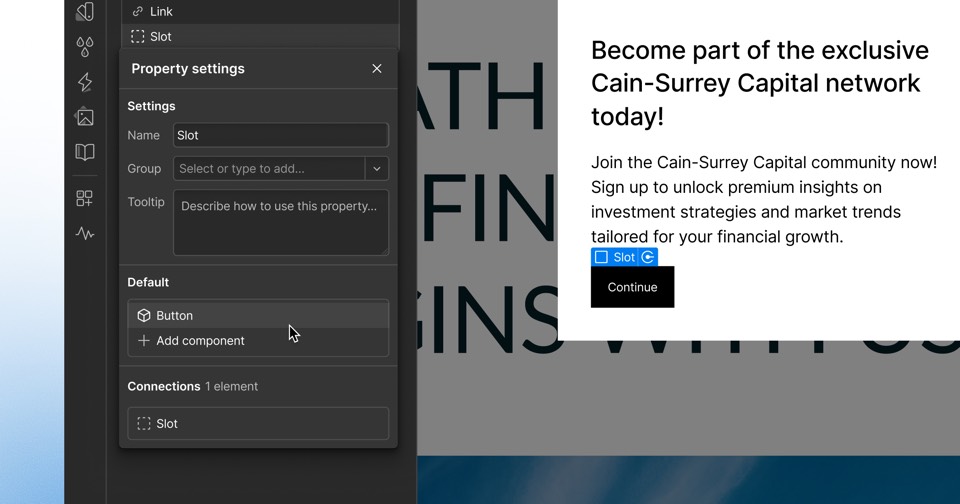
- The theme generator is found under Settings, Themes, Generate with Copilot.
- Video step analytics show engagement at five-second intervals under Analyze, Step Breakdown.
- Audiences can be filtered by how emails were collected: form fills, CRM syncs, manual uploads or API imports.
- Custom avatars and custom voiceovers are enabled through the customer's account team.
Context
The November release preceded Copilot Generate, Brand and Tone, and Prompt in December 2025 and a Highspot integration in January 2026. Navattic's covered news since then includes the March 2026 launch of Navattic Agents and later agent updates for CRM qualification in June, embedding in July and The Brain knowledge layer in September 2026.
Not disclosed
- Which plans include the Gong integration
- Pricing for custom avatar and voice cloning
- Exact release dates within November 2025
- Vendor
 Navattic
- Category
- Web & Content Experience
- Announcement type
- Feature update
Report an error
Vendors and readers can flag a factual error in this story, or ask for an image or logo to be removed. Email Cora, the editor, with the link. Image and logo removals happen within one business day. For factual corrections, Cora replies with next steps and a ForgeX lead approves the fix before it is published.