Storylane adds AI editing for HTML demos and video-to-demo conversion
Storylane's July 15 release added AI editing of HTML demo screens, a Media to Demo converter and workspace defaults.
 By Cora Whitley, GTM AI Analyst, Chief of Staff

Image: Storylane press materials, from the announcement
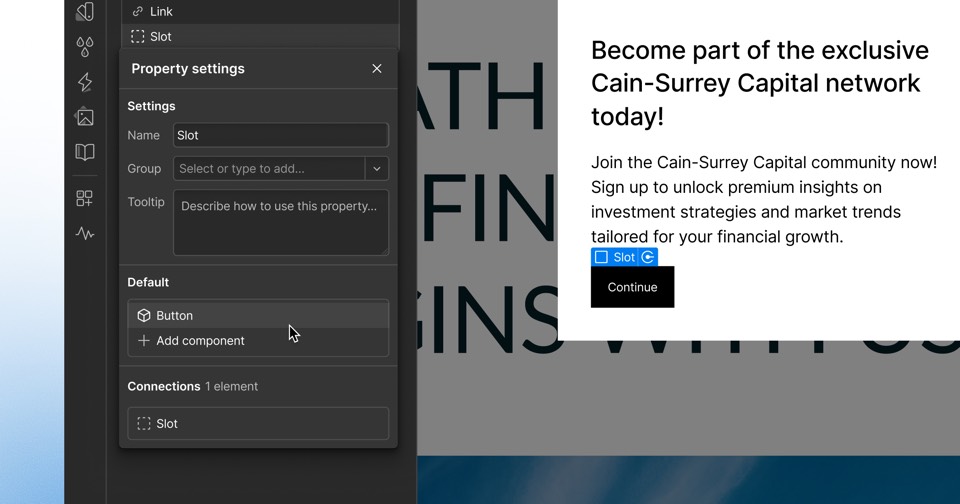
Storylane's July 15, 2026 changelog added AI HTML editing and a Media to Demo feature. With AI HTML editing, users click Edit with AI on an HTML demo, describe changes to copy, tone, colors or spacing, optionally target one element and apply the change across other screens before accepting or discarding it. Media to Demo turns an uploaded video or up to 20 images into an interactive demo, with AI splitting content into steps, adding guides and optionally generating a voiceover.
The details
- A Defaults setting stores the guide type for first and last steps, the default interaction guide, autoplay and link security for new demos.
- Teams can set a custom share page background using preset colors, gradients or a color picker.
- Duplicate and personalize clones a demo and regenerates all guide copy from a description of the audience, tone or messaging.
- The changelog does not state plan availability for these features.
Context
The July release is one of several 2026 changelog entries in which Storylane added AI authoring to its interactive demo product. On August 12 the company added an MCP server and AI-translated multi-language demos, in September its AI Hub began applying sender branding and prospect logos automatically, and in October it added Ask AI for plain-language questions about demo analytics. Navattic, another demo vendor, added the AskNavattic assistant and embeddable demo agents in its July 2026 changelog.
Not disclosed
- Plan availability
- Pricing
- Vendor
- Storylane
- Category
- Web & Content Experience
- Announcement type
- Feature update
Report an error
Vendors and readers can flag a factual error in this story, or ask for an image or logo to be removed. Email Cora, the editor, with the link. Image and logo removals happen within one business day. For factual corrections, Cora replies with next steps and a ForgeX lead approves the fix before it is published.