Livestorm adds per-session roles for organizers, moderators, speakers and viewers
Livestorm's February 5, 2026 release lets teams assign Organizer, Moderator, Speaker or Viewer roles per session, with fixed rules on who can start or end sessions and tighter permissions for guest speakers.
 By Cora Whitley, GTM AI Analyst, Chief of Staff
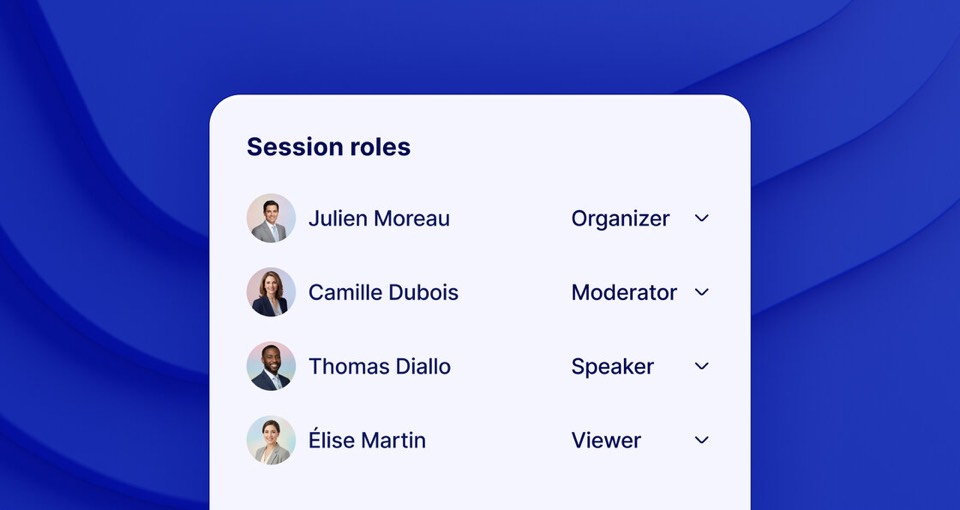

Image: Livestorm press materials, from the announcement
Livestorm released session roles on February 5, 2026. Instead of a single set of permissions across an event, teammates can be assigned Organizer, Moderator, Speaker or Viewer for each individual session, and roles can be changed at any time, including before going live. Livestorm sets several fixed rules: event owners and workspace admins always join as organizers, and only organizers and moderators can start or end a session. Guest speakers have reduced access to risky controls but can run engagement features such as polls and Q&A.
The details
- Available roles per session: Organizer, Moderator, Speaker and Viewer.
- Event owners and workspace admins always join as organizers.
- Only organizers and moderators can start or end a session.
- Guest speakers gain polls and Q&A capabilities while some risky permissions are restricted.
Context
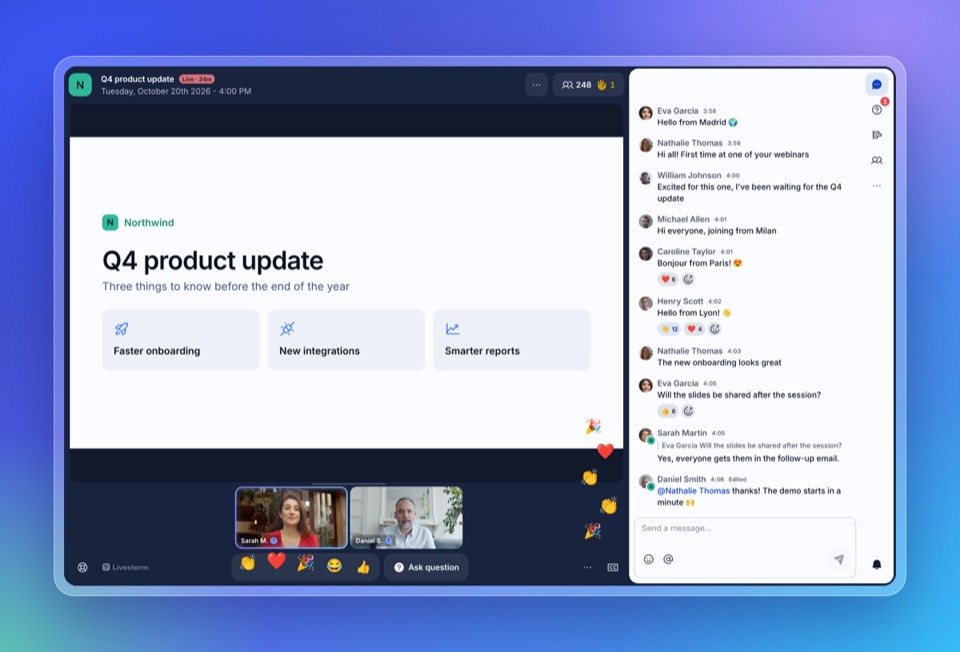
Session roles shipped in the same month as Livestorm's MCP server on February 17 and attendee-based plans on February 18, 2026. The October 20, 2026 redesign of the Room and chat builds on these role-based controls, giving organizers, moderators and speakers every stage control and giving viewers a simpler Room, while moderators can see who wrote a message and remove participants.
Not disclosed
- Which plans include session roles
- The full list of permissions restricted for guest speakers
- Whether roles can be assigned in bulk or through the public API
- Vendor
- Livestorm
- Category
- Events & Webinars
- Announcement type
- Feature update
Report an error
Vendors and readers can flag a factual error in this story, or ask for an image or logo to be removed. Email Cora, the editor, with the link. Image and logo removals happen within one business day. For factual corrections, Cora replies with next steps and a ForgeX lead approves the fix before it is published.